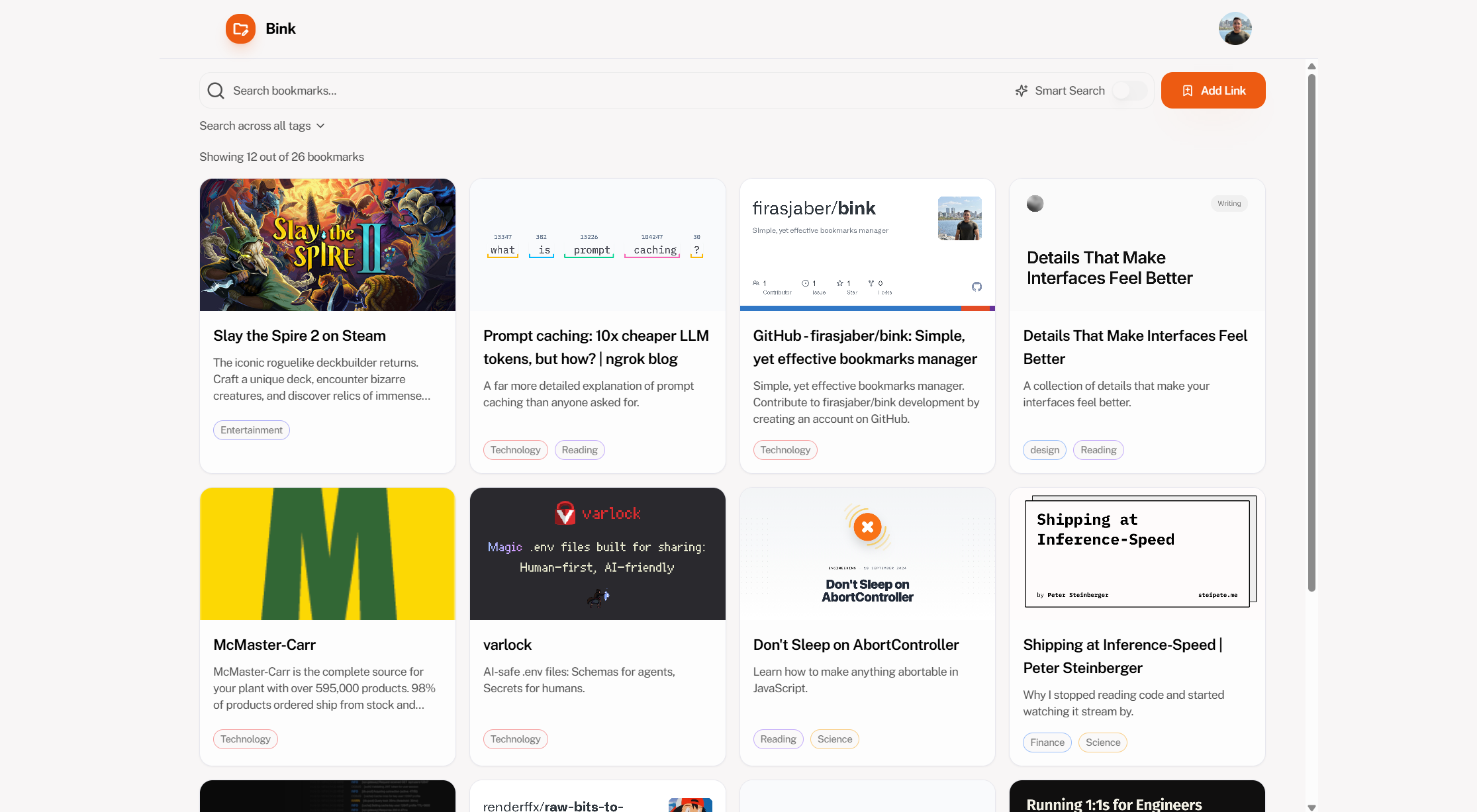
Bookmark dashboard
Save new links, scan context fast, and keep your library readable at a glance.
Bink
AI-powered bookmark management
Paste a link, and Bink turns it into something you can actually retrieve later. It keeps the page context, your tags, and your notes in one place, then lets AI search do the remembering.
A quick look at how saving, searching, and revisiting bookmarks feels inside Bink.
Save new links, scan context fast, and keep your library readable at a glance.
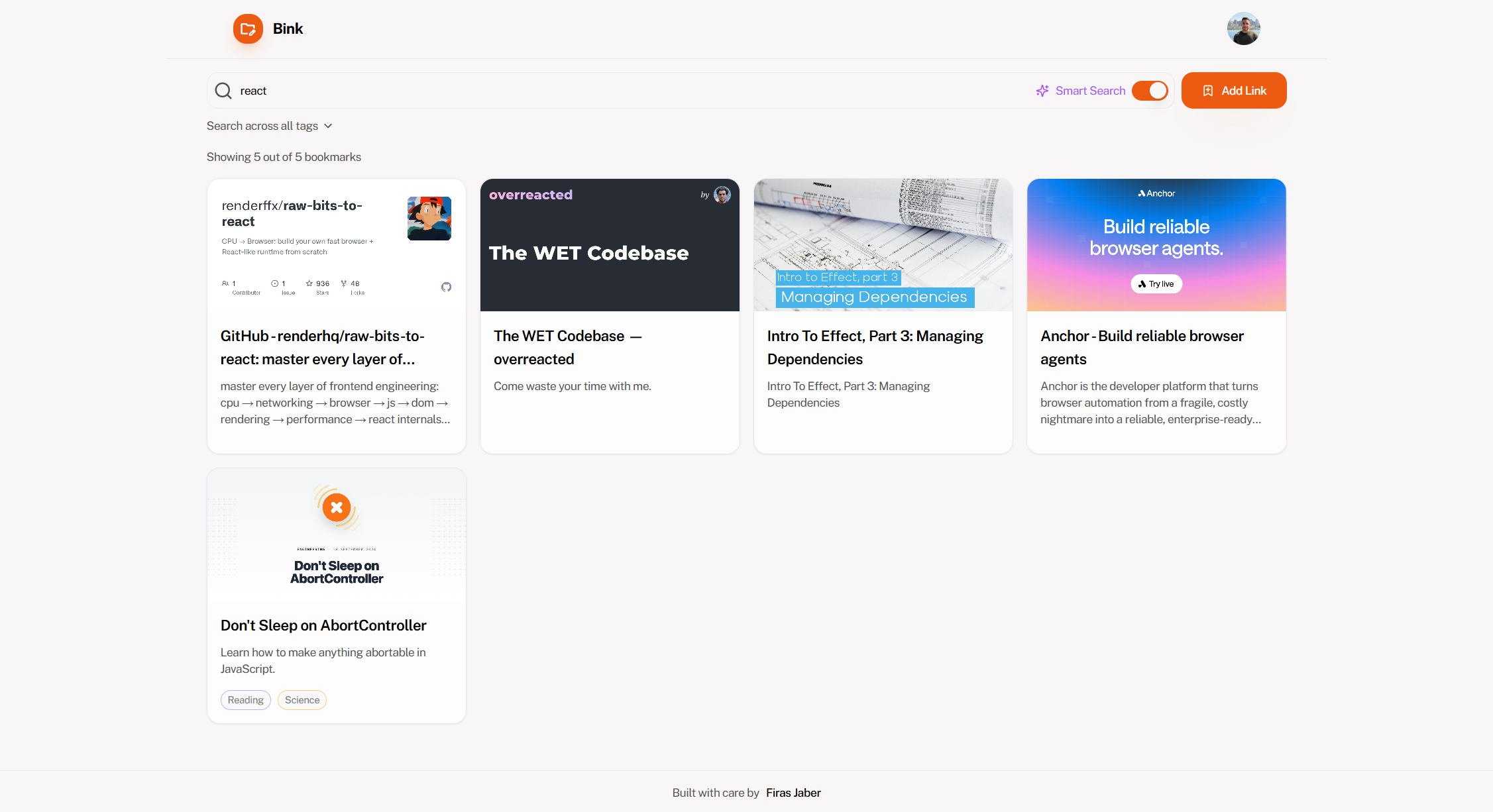
Find pages by meaning, related phrases, or the way you remember them.
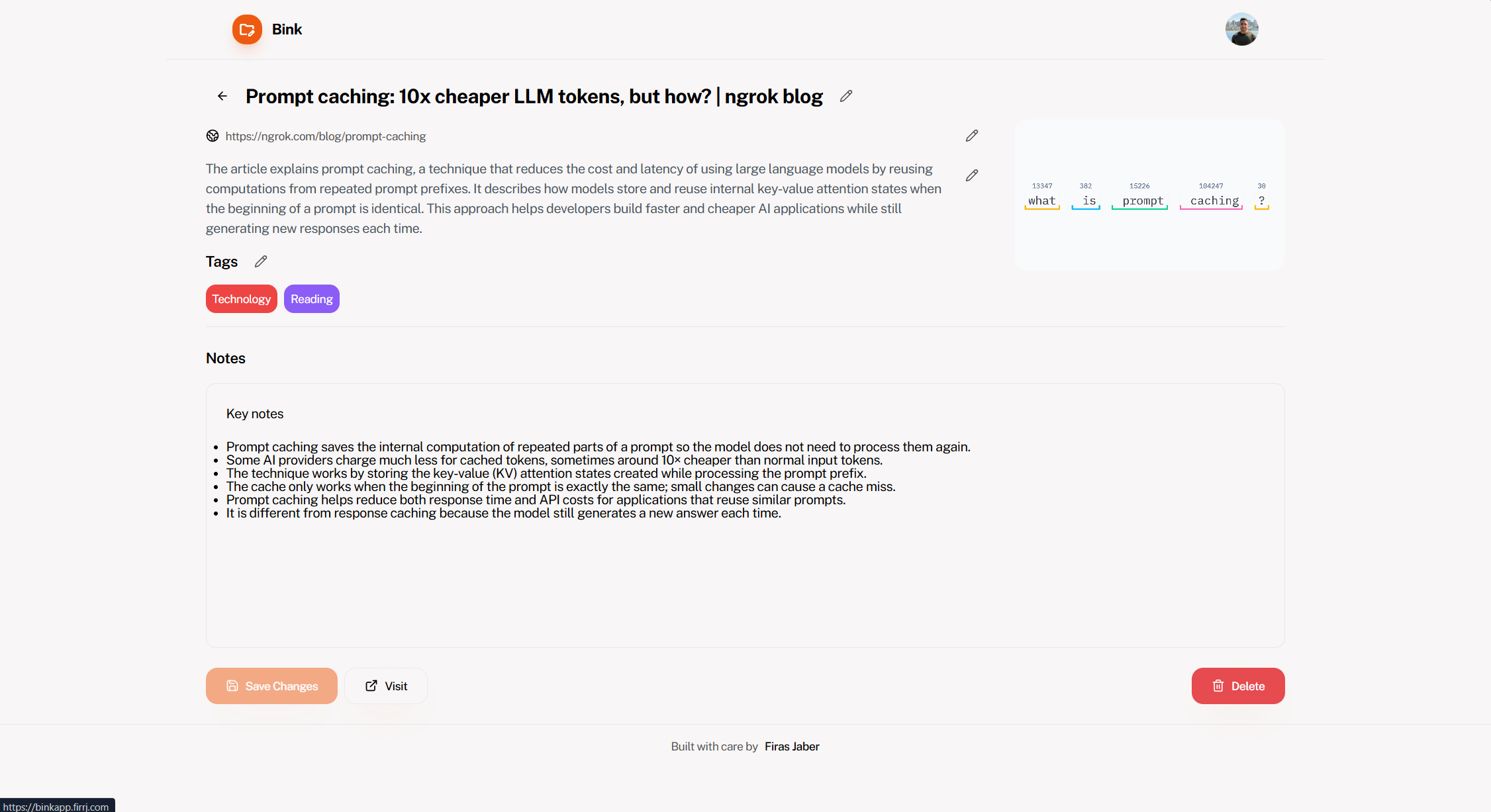
Keep tags, notes, and the original source connected in one clean place.
Same four pillars, just with a different angle on what makes Bink practical every day, plus clearer messaging for hosting and Pro access.
Drop in a URL and Bink brings back the page title, metadata, and readable content so each bookmark starts with enough context to be recognizable later.
When your memory is close but not precise, Bink can still surface the right bookmark through related language, fuzzy phrasing, and semantic similarity.
Use lightweight tags to group work by topic, project, or theme without turning your bookmark flow into a maintenance routine.
Capture your takeaway, next step, or why-this-matters thought right beside the bookmark so the context stays useful when you revisit it.
Bink is open source and straightforward to self host if you want to manage the stack yourself. If not, you can use the hosted app and bring your own AI API key.
You can use Bink for free today. AI-powered usage is limited on the free tier, and unlimited access is available through a Pro account if you contact us.
If you have a recommendation, rough idea, or feature request, GitHub issues are the main point of contact. You can inspect the code, try the app, and help shape what comes next.
Recommendations, bugs, and feature requests all belong in GitHub issues.